
SDK Integration / On-site Ingest / Open APIs
High-Performance Media SDKs and Camera Gateway Software
HBRun provides StreamCore SDK and StreamGate Camera Gateway for product integration, on-site video ingest, browser viewing, recording replay, open APIs, and offline licensing.
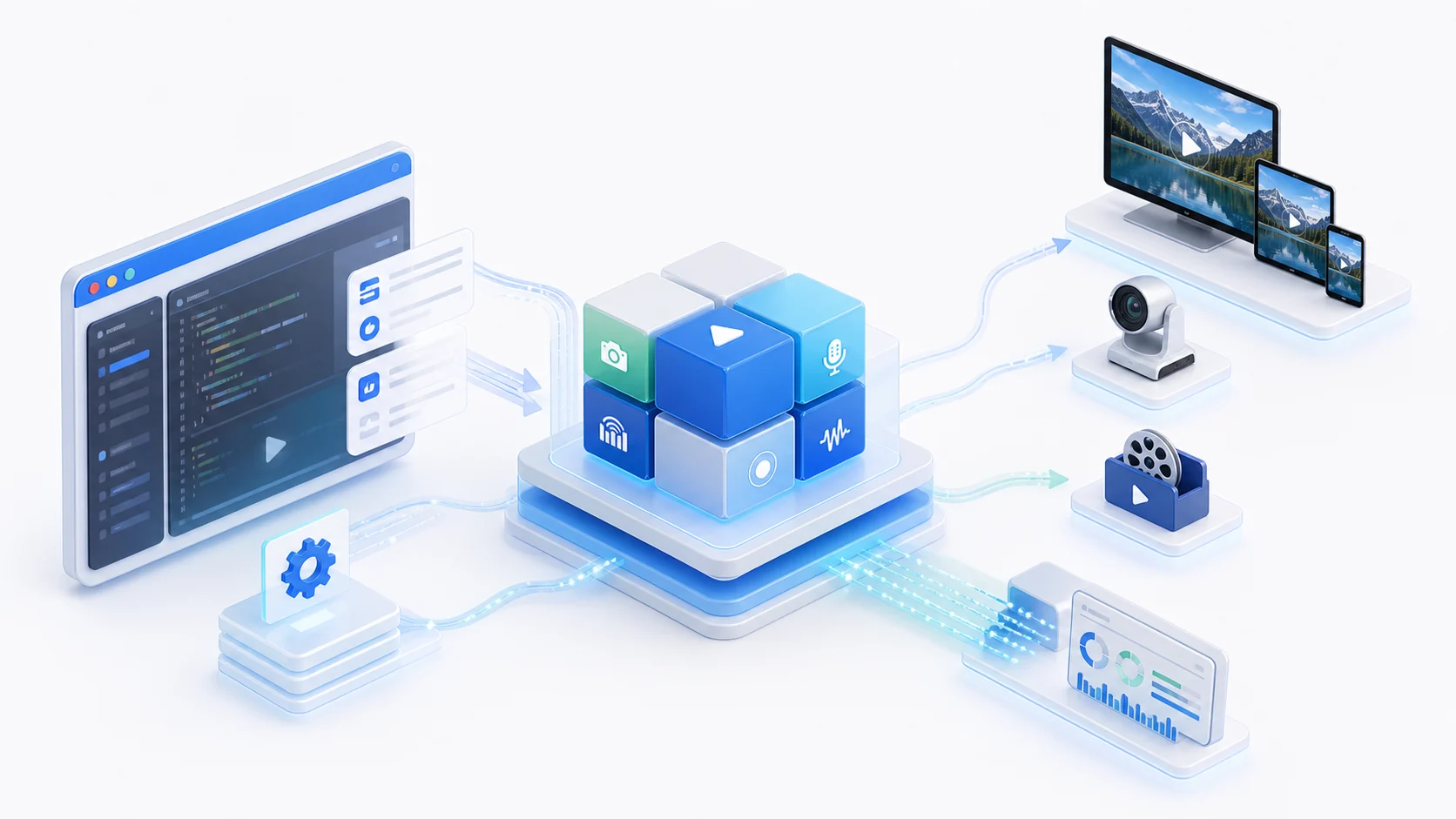
High-performance, cross-platform, and API-first for embedding playback, capture, publishing, recording, and protocol capabilities into owned software.
Software Integration and On-site Gateway
StreamCore SDK embeds into desktop, server, and mobile software. StreamGate runs on on-site servers to ingest, manage, play, record, and distribute camera video.

StreamCore SDK
Cross-platform native media SDKA high-performance cross-platform media capability layer for owned software, covering Windows, Linux, Android, iOS, macOS, Qt, and .NET integration. It brings stable playback, capture, publishing, recording, protocol extensions, H.264 / H.265, and diagnostics into desktop, server, and mobile applications with strong compatibility and maintainability.

StreamGate
On-prem camera ingest gateway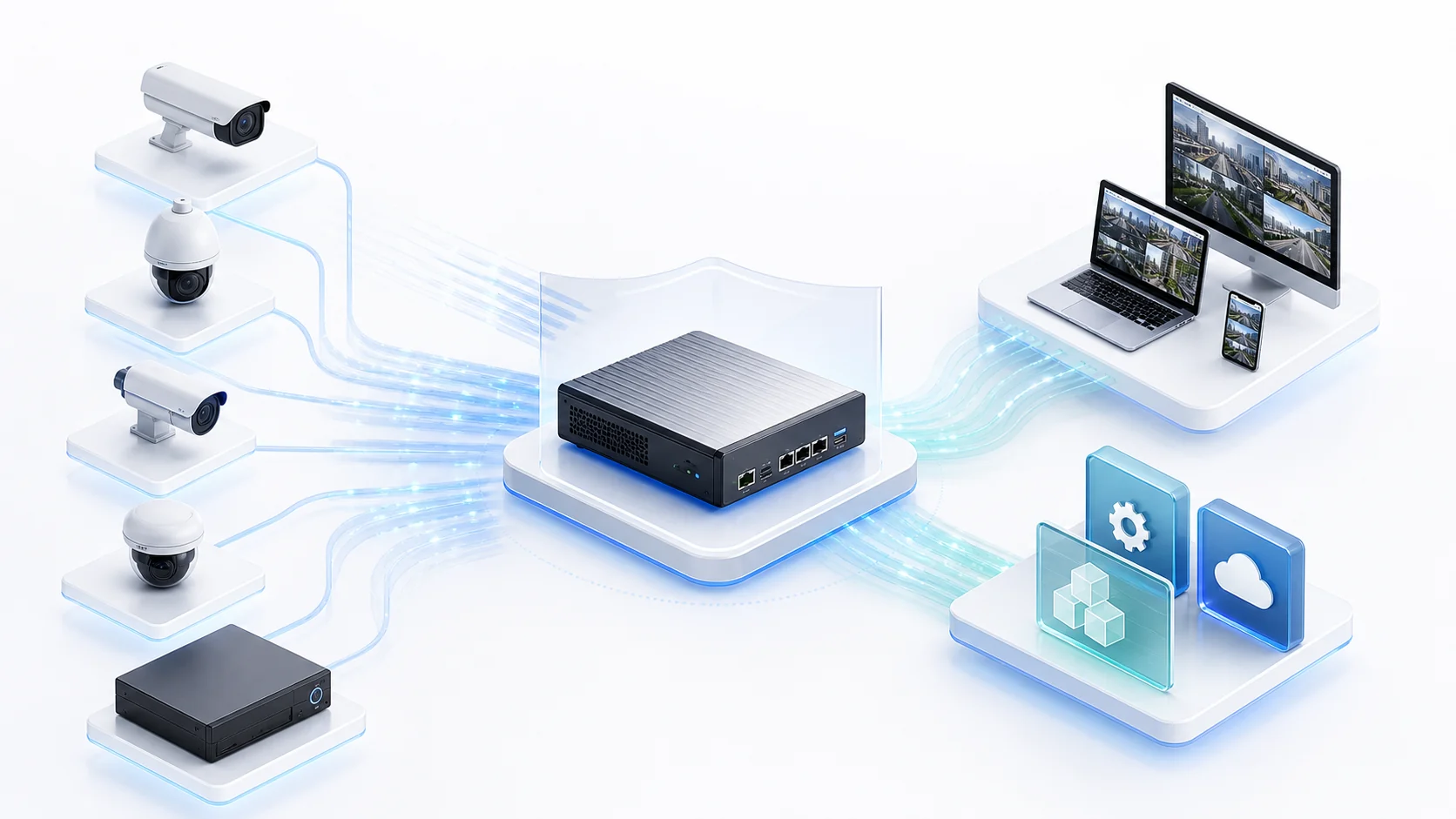
A highly compatible on-site camera ingest and delivery gateway for servers, unifying IP cameras, NVRs, GB28181 platforms, and existing streams while exposing stable viewing, recording replay, open interfaces, and local operations capabilities to browsers, displays, and operations systems.
A Complete Path from Video Sources to Business Systems
Unify protocol ingest, channel management, browser viewing, recording search, and open interfaces so camera video can be used directly by applications, operators, and business platforms.
Ingest RTSP, ONVIF, GB28181, SRT backhaul, NVRs, encoders, and existing streams across common field environments.
Manage channels, online state, protocol adaptation, latency controls, diagnostics, and license state to reduce field integration cost.
Provide browser preview, playback URLs, video-wall views, recording schedules, recording search, and web replay for operators and management systems.
Integrate channel data, playback URLs, recording indexes, WebHook / MQTT events, and runtime state into business systems, operations platforms, and display walls.
Docs and Technical Articles
Developer docs, demo structure, deployment checks, and protocol selection live in Docs, while product pages cover capabilities, editions, pricing, and licensing.
Developer Docs
Quick Start, demo structure, platform integration, API entry points, and license setup.
Open Docs →Protocol Selection
Compare RTMP, RTSP, WebRTC, and GB28181 use cases in real projects.
Read Article →StreamGate Deployment Checklist
Check domains, ports, HTTPS, bandwidth, recording, storage, and test cameras before deployment.
Read Checklist →Camera Gateway Guide
How to evaluate RTSP / ONVIF / GB28181 gateways by playback, recording, APIs, and licensing.
Read Guide →Download SDK Packages and StreamGate
Validate playback, capture, publishing, recording, protocols, and licensing with your target machines, cameras, networks, and business systems.
View Downloads